Understanding and Using OBD2 Scanners for Vehicle Diagnostics
Understanding and Using OBD2 Scanners for Vehicle Diagnostics
Modern vehicles use complex computer systems to manage performance. When the "Check Engine" light appears, an On-Board Diagnostics II (OBD2) scanner is the tool you need to translate internal data into actionable knowledge. Using a Car Engine Scanner empowers you to understand your vehicle's health and save money on repairs.
Table of Contents
- What is OBD2 and Why Does It Matter?
- Types of OBD2 Scanners
- How to Use an OBD2 Scanner: A Step-by-Step Guide
- Key Features to Look for in an OBD2 Scanner
- The Benefits of Owning a Car Engine Scanner
- Common Misconceptions about OBD2 Scanners
- Related Reading
What is OBD2 and Why Does It Matter?
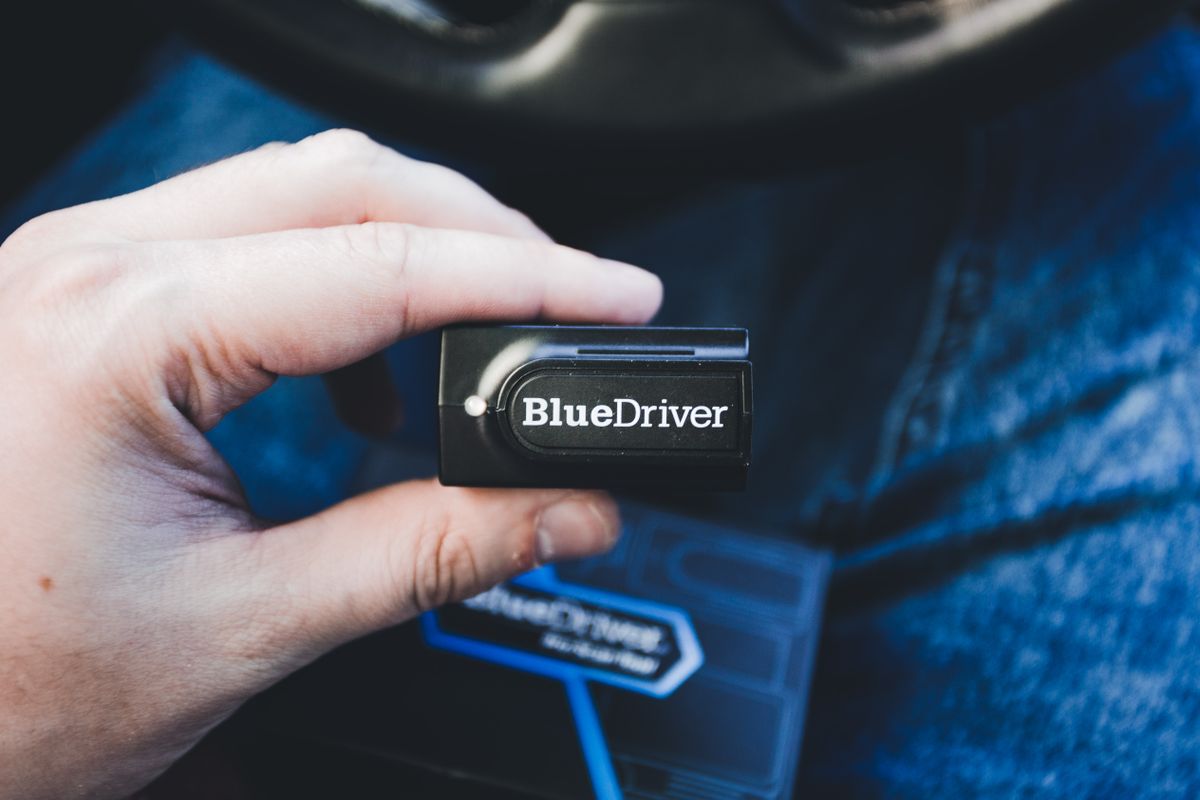
Photo by Erik Mclean on Pexels
OBD2 is the universal language spoken by your car's computer.
A Brief History of On-Board Diagnostics
Before 1996, manufacturers used proprietary "OBD1" systems. To standardize emissions monitoring, the SAE and EPA mandated OBD2 for all light trucks and cars sold in the U.S. starting in 1996, creating a universal diagnostic port and communication protocol.The Role of the OBD2 Port
The 16-pin OBD2 port is your gateway to the Engine Control Unit (ECU). Located under the driver's side dashboard, it allows scanners to connect to the Controller Area Network (CAN bus) to retrieve sensor data.Understanding Diagnostic Trouble Codes (DTCs)
When a fault occurs, the computer triggers a Check Engine Light and stores a five-character DTC.- P (Powertrain): Engine/transmission.
- B (Body): Airbags/climate control.
- C (Chassis): ABS/suspension.
- U (Network): Module communication issues.
Types of OBD2 Scanners
Basic Code Readers
These tools read and clear generic powertrain codes. They are ideal for drivers who just want to know why a light is on.DIY/Enthusiast Scanners
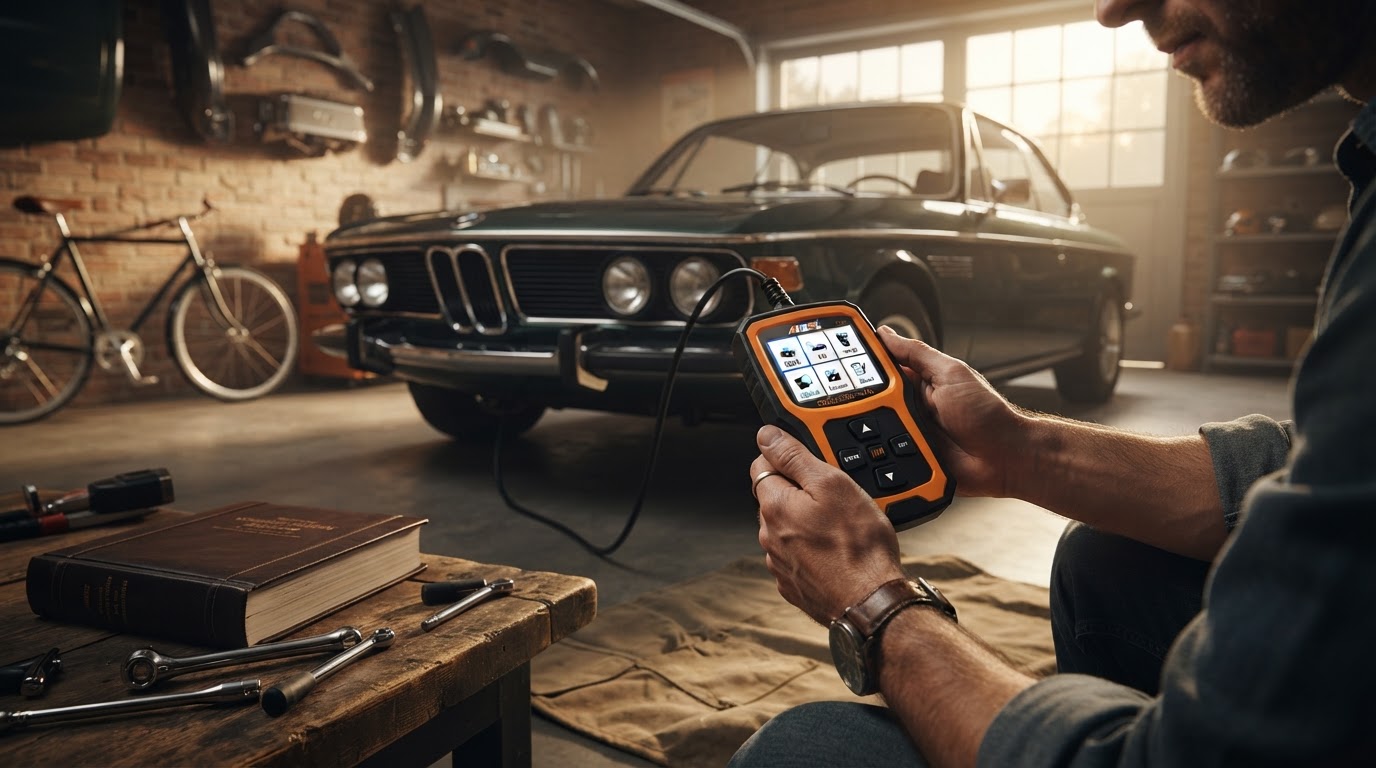
Advanced tools like the Car Engine Scanner offer live data, freeze frame snapshots, and I/M Readiness status for emissions tests.Bluetooth and Wireless Scanners
These dongles plug into the port and sync to mobile apps. Popular options like BlueDriver provide a mobile interface via smartphone connectivity.Professional Diagnostic Tools
Brands like Autel provide tablets used by mechanics. They feature bidirectional control—allowing users to command components—and deep access to SRS or ECU programming.How to Use an OBD2 Scanner: A Step-by-Step Guide
Second, resist the erase button ahead of an emissions test. Clearing codes also resets the car's readiness monitors — the self-checks the inspection station reads — and a freshly cleared car reports "not ready" and fails or gets turned away until it has been driven through a full drive cycle, sometimes taking days of mixed driving to complete. The week before an inspection is precisely the wrong time to tidy up the dashboard; fix the underlying fault early and let the monitors re-run on their own schedule.
Key Features to Look for in an OBD2 Scanner

Photo by ThisIsEngineering on Pexels
- Live Data Streaming: Vital for graphing sensor performance.
- Freeze Frame Data: Helps diagnose intermittent issues by seeing exact fault conditions.
- I/M Readiness Check: Ensures you will pass state inspections.
- System Coverage: Look for tools like the Car Engine Scanner that access ABS and Transmission modules beyond basic engine codes.
The Benefits of Owning a Car Engine Scanner
- Financial Savings: Avoid the $100+ shop diagnostic fee.
- Peace of Mind: Know immediately if a car is safe to drive.
- Proactive Care: Spot failing sensors via live data before they cause a breakdown.
Common Misconceptions about OBD2 Scanners
- Myth 1: Clearing a code fixes the car. It only resets the light; the fault remains.
- Myth 2: All scanners are the same. Basic tools often miss manufacturer-specific "P1" codes.
- Myth 3: The code names the broken part. A DTC identifies the circuit or condition that went out of range, not the component to replace — the famous P0420 "catalyst efficiency" code is triggered as often by a failing oxygen sensor or an exhaust leak as by the expensive catalytic converter it seems to indict. The disciplined response to any code is cheapest-cause-first: a P0455 evaporative leak means checking the gas cap before pricing fuel system parts, and a misfire code means inspecting the coil and plug on that cylinder before condemning injectors. Parts-cannon repairs guided by code names alone are how a $40 sensor problem becomes an $800 receipt.
- Myth 4: Any lit engine light can wait for the weekend. A steady light is usually a make-an-appointment matter, but a flashing check engine light is the computer signaling an active misfire severe enough to dump raw fuel into the exhaust — driving on it can destroy the catalytic converter in miles, converting a spark-plug bill into a four-figure one. Flashing means pull over, not press on; it is the one dashboard distinction every driver in the household should know.
Related Reading
- What to Do When Your Check Engine Light Comes On
- Choosing the Right Diagnostic Scanner for Your Needs