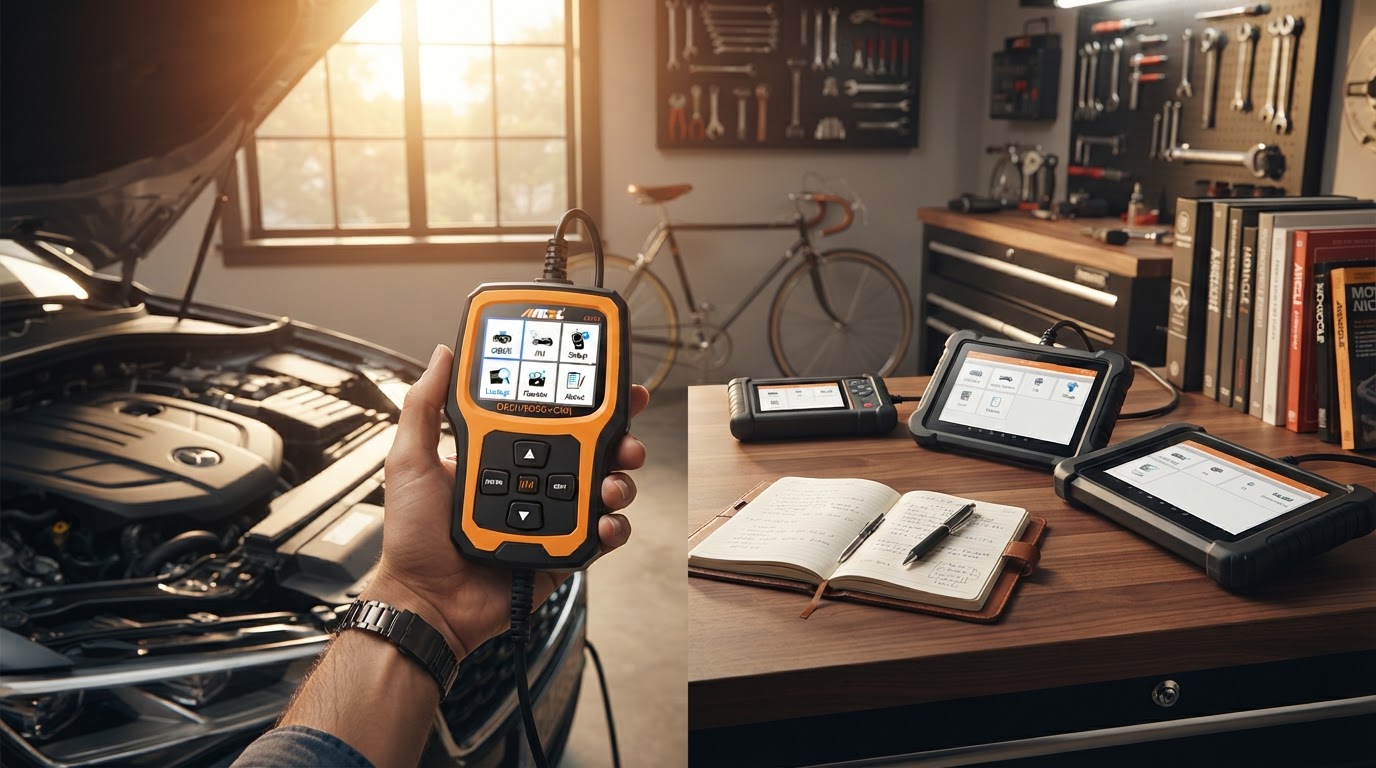
Choosing a Car Engine Scanner for Home Diagnostics
October 24, 2026. This comparison evaluates high-performance diagnostic tools specifically tailored for residential garage use. It is written for home mechanics who need professional-grade data without the overhead of a commercial shop console.
The Evolution of Home Vehicle Diagnostics
The gap between professional technicians and home enthusiasts has narrowed significantly, but the sheer volume of available hardware makes selecting a tool difficult. For most people, the journey begins when they see a warning light and ask why is my check engine light on. In the past, a basic code reader would suffice to pull a generic P-code, but modern vehicle systems—ranging from ABS to SRS and transmission controllers—require more sophisticated communication protocols. According to [Car and Driver], the Ancel BD310 and BlueDriver Pro Next Gen have set high benchmarks for Bluetooth-enabled diagnostic performance in recent testing, offering a level of depth previously reserved for wired shop scanners.
For the home mechanic, the challenge isn't just finding a tool that works, but finding one that doesn't require a subscription or a proprietary tablet. Many enthusiasts start with a car scanner for beginners to handle basic maintenance, but as you move into more complex repairs like brake bleeding or battery registration, the hardware requirements shift. You need a device that can access manufacturer-specific data streams and provide bi-directional controls. If you are currently using a $20 ELM327 dongle, you are likely missing 80% of the available data your car is trying to report. This lack of information leads to "parts cannon" repairs—replacing components blindly because you can't see the real-time sensor data.
Performance Testing Car Engine Scanner Against Market Leaders
When I put the Car Engine Scanner up against established names like the BlueDriver Pro and the Autel MaxiCOM, the differences come down to how the data is presented and the speed of the connection. Between these two, I’d go with the Car Engine Scanner if you prioritize a wireless workflow that doesn't sacrifice the deep system access found in wired units. While the BlueDriver Pro Next Gen is frequently cited by Car and Driver as a top Bluetooth pick, Car Engine Scanner offers a more streamlined interface for those who need to quickly learn how to clear car error codes without navigating through layers of marketing fluff in an app.
If you're on a budget, you might look at the Innova 5210, which [Innova] notes is designed to empower consumers with maintenance data. However, the Innova 5210 is a handheld unit with a physical cable, which can be restrictive when you need to perform a drive cycle test or monitor live data while under the hood. The Car Engine Scanner utilizes a high-bandwidth Bluetooth 5.0 connection that allows for real-time graphing of oxygen sensors and fuel trims on your phone or tablet while you are physically moving around the vehicle. Skip this if you prefer a standalone tool that doesn't require a smartphone to operate; for everyone else, the integration with mobile devices provides a much larger, clearer screen for analyzing complex waveforms than any mid-range handheld could offer.
Selecting the Right Diagnostic Tool for Your Garage
Choosing a scanner requires balancing your mechanical skill level with the specific needs of your vehicle fleet. A tool that works perfectly for a 2015 Ford might struggle with the gateway modules on a 2024 BMW. Here’s what I’d actually buy: a tool that offers free lifetime updates and covers all major systems (ECM, TCM, ABS, SRS). Many scanners in the $100 range only cover the engine, leaving you stranded when a traction control light appears. You want a device that simplifies the process of understanding why is my check engine light on by providing plain-English definitions rather than just numeric codes.
Before you make a purchase, consider this checklist to ensure the tool meets your long-term needs:
- Full System Access: Does it read more than just the Powertrain (P) codes?
- Live Data Graphing: Can it plot at least two sensors simultaneously for comparison?
- Update Policy: Are there recurring annual fees to keep the software current?
- Bi-directional Support: Can it trigger a fuel pump or cycle an ABS solenoid?
- Compatibility: Does it support the latest CAN-FD and DoIP protocols for newer vehicles?