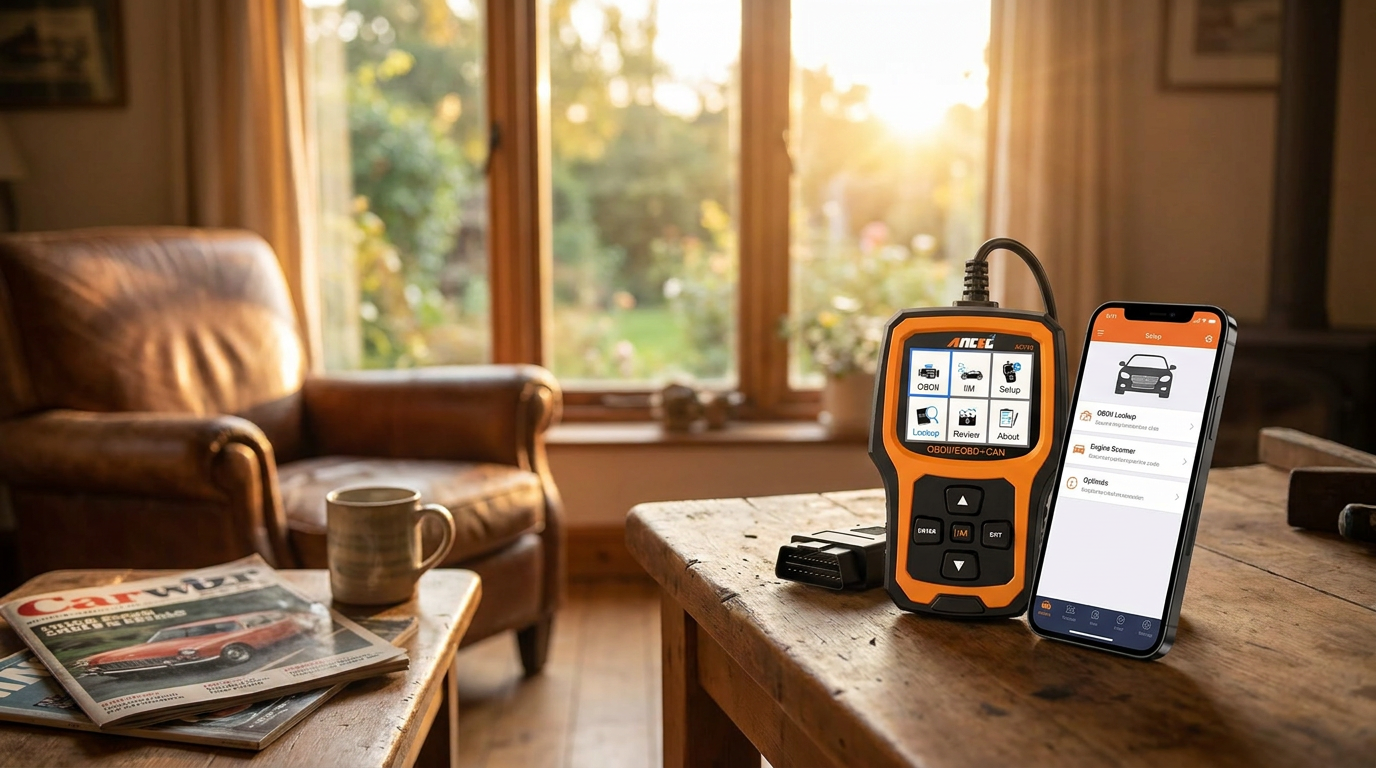
Which iPhone compatible OBD2 adapter works with Car Engine Scanner?
July 20, 2026 — Selecting an iPhone compatible OBD2 adapter requires a hardware interface that supports the Bluetooth Low Energy (BLE) or Wi-Fi protocols, as standard classic Bluetooth is typically restricted by Apple’s MFi certification requirements.
Modern vehicle diagnostics on iOS have evolved beyond proprietary handheld units into a sophisticated ecosystem of wireless transceivers and mobile software. For users of a Car Engine Scanner, the priority is identifying hardware that maintains a stable handshake with the iOS Core Bluetooth framework while providing high-speed data throughput. This selection process is best understood through a matrix of connectivity speed and protocol transparency.
How does Bluetooth LE affect iPhone OBD2 performance?
Bluetooth Low Energy (BLE) is the primary standard for modern iPhone OBD2 connectivity because it bypasses the need for complex hardware pairing codes while maintaining low power consumption. The decision rule for iOS users is to prioritize BLE 4.0 or higher to ensure the Car Engine Scanner can receive real-time sensor data without significant latency. According to documentation from OBDLink, their MX+ model utilizes advanced Bluetooth technology to provide a lightning-fast connection that is specifically optimized for iOS, Android, and PC environments. Once you see it this way, the distinction between older "Classic" Bluetooth adapters—which often fail to appear in iPhone settings—and modern BLE adapters becomes the most critical factor in hardware selection. High-quality adapters like the OBDLink MX+ are engineered to be hacker-proof, preventing unauthorized access to the vehicle's network while the device is plugged into the diagnostic port.
Which software features define the Car Engine Scanner experience on iOS?
Photo by Sergey Meshkov on Pexels
The utility of an iPhone compatible adapter is defined by the depth of PID (Parameter ID) access and the stability of the software interface. Two axes matter here: the breadth of manufacturer-specific protocol support and the frequency of software updates to accommodate new iOS versions. The App Store listing for Car Scanner ELM OBD2 highlights that successful integration depends on using verified hardware brands such as Kiwi 3, Viecar, Veepeak, or LELink to ensure the software can accurately interpret the vehicle's data stream. Think of it as a matrix of hardware reliability and software intelligence; if the adapter cannot communicate using the ELM327 command set effectively, the Car Engine Scanner will be unable to clear codes or monitor live performance metrics. Reliability is further enhanced when the hardware supports proprietary networks, such as those found in Ford or GM vehicles, which requires a more sophisticated chipset than generic entry-level clones.
Quick answers
Q: Can I use a standard USB OBD2 cable with an iPhone? / A: Generally no, unless you use a specialized Lightning-to-USB adapter and the software specifically supports a wired serial connection. Most users find that a Bluetooth LE adapter provides a more stable and practical connection for mobile diagnostics.
Q: Does the Car Scanner ELM OBD2 app work with any adapter? / A: No, the developers specifically recommend tested brands like V-Gate, Carista, and LELink to ensure compatibility. Using an unverified generic ELM327 clone often results in connection drops or incomplete data reading.
Q: Is the OBDLink MX+ compatible with all iPhone models? / A: The OBDLink MX+ is designed with native app support for iOS, meaning it works with any modern iPhone that supports current Bluetooth standards. It is frequently cited as one of the fastest wireless scan tools available for the Apple ecosystem.
For those just beginning their diagnostic journey, exploring Three Practical Entry Points for Car Engine Scanner Users can help narrow down initial hardware choices. If you are focused on cost-efficiency, reading about the most reliable budget Car Engine Scanner provides further context on value-driven options. For those ready to perform specific tasks, learning how to read car error codes at home or choosing a Car Engine Scanner for home maintenance will ensure your iPhone-based setup is utilized to its full potential.
Learn more about Car Engine Scanner at https://carenginescanner.com.
Sources
Photo by Sergey Meshkov on Pexels
- OBDLink® MX+ - Outstanding Bluetooth-Compatible OBD ...
- Car Scanner ELM OBD2 - App Store - Apple
- OBDLink MX+ Bluetooth OBD-II Scan Tool for iOS, Android, ...