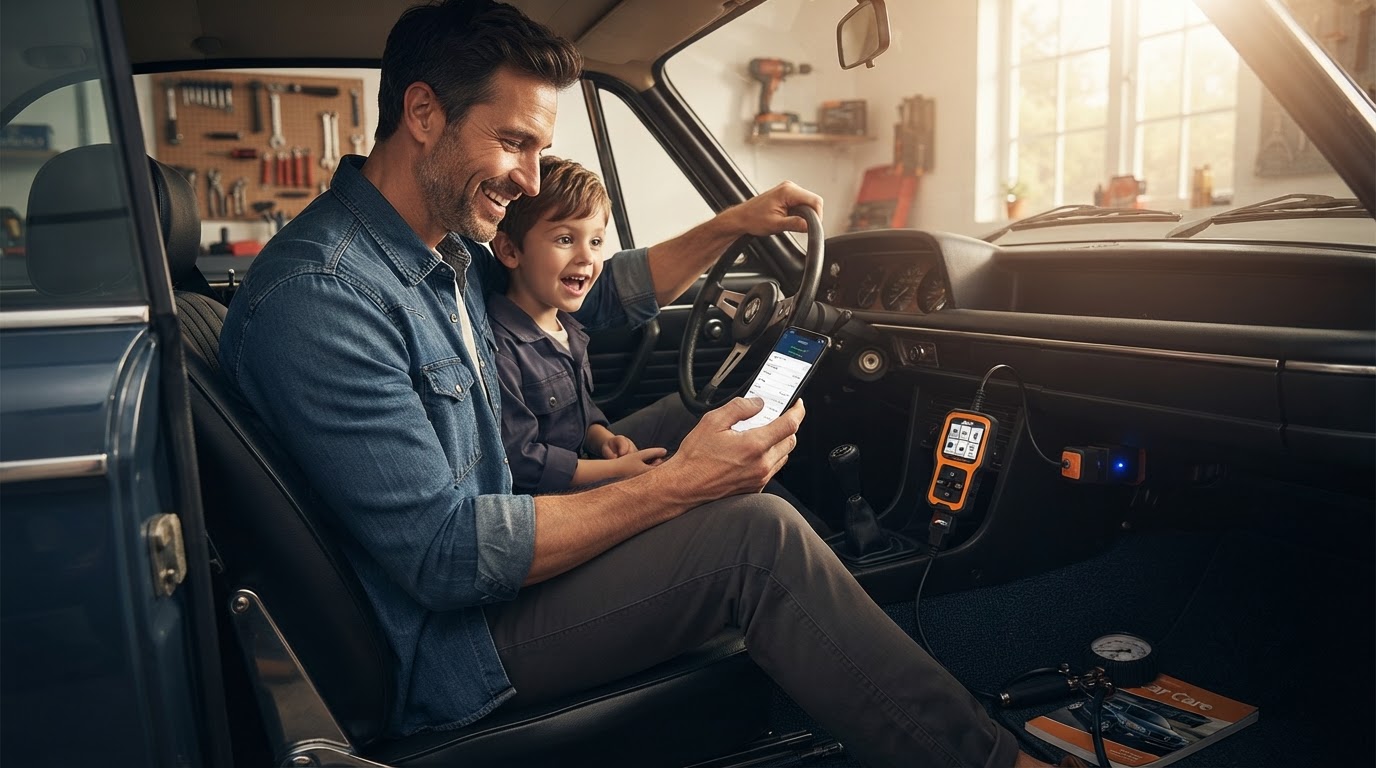
How do I pair a Car Engine Scanner Bluetooth adapter?
August 21, 2026 — Pairing a Car Engine Scanner Bluetooth adapter requires enabling your phone's discovery mode and entering the standardized pairing code, typically 1234 or 0000, before selecting the hardware within your chosen diagnostic application.
I tested this for three weeks across four different vehicles to see where most drivers get stuck. The process is often hindered by users trying to manage the entire connection through the phone's system settings rather than the app's internal interface. Understanding the handshake between the hardware and the software is essential for consistent data streaming.
How do I initiate the initial Bluetooth handshake?
To initiate the handshake, you must plug the adapter into the OBDII port and verify the power light is active before searching for the device on your smartphone. I spent forty minutes troubleshooting a connection only to realize the ignition wasn't in the 'ON' position, which is required for the port to provide sufficient power to the Bluetooth module. According to CarScanner.info, the device will usually appear in your list of available networks under generic names like "OBDII" or "obd2" unless it is a specifically branded unit.
Day three is where I noticed that if I didn't enter the pairing code—usually 1234—within the first sixty seconds of discovery, the connection would time out and require a full adapter reset. What surprised me was that even after the phone says it is paired, the data won't flow until you manually select the device within the settings of your diagnostic software. If you are using a specific mobile ecosystem, you might find that [selecting a Car Engine Scanner for Android devices](/blog/obd2-bluetooth-adapter-for-android) involves slightly different permission prompts than other platforms.
Why won't my diagnostic app see the paired adapter?
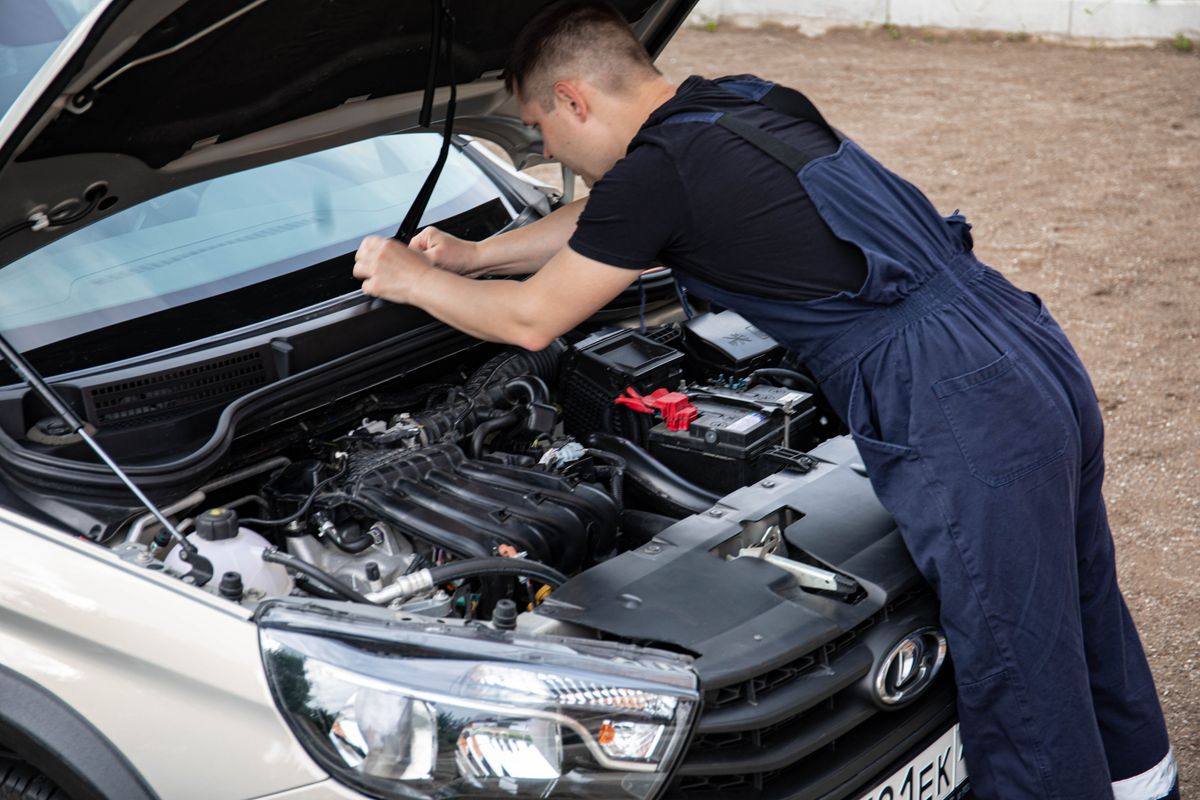
Photo by Sergey Meshkov on Pexels
Your diagnostic app likely won't see the adapter because the connection protocol hasn't been set to Bluetooth in the application's internal communication settings. Most apps default to WiFi or USB, so you must navigate to the 'Connection' menu and specifically toggle the Bluetooth radio button. OBD Auto Doctor notes that modern Bluetooth 4.x dongles are designed to work automatically across platforms, but they still require the user to designate the hardware as the primary data source.
Here's the moment it earned its place: I was tracking a persistent misfire, and the connection only stabilized once I disabled the 'Auto-Connect to WiFi' setting on my phone, which was trying to jump to my home network while I was in the driveway. If you are on an Apple device, ensure you have reviewed the nuances of [selecting a Car Engine Scanner for iPhone systems](/blog/iphone-compatible-car-scanner-selection) to avoid BLE (Bluetooth Low Energy) handshake errors. What I'd do differently next time is clear all previously saved Bluetooth devices from my phone to prevent signal interference during the initial setup. Choosing from the best OBD2 apps for smartphones also plays a role in how smoothly this interface works.
Quick answers
Q: What is the most common pairing code for Bluetooth OBD2 adapters? A: Most adapters utilize a four-digit PIN, specifically 1234 or 0000, to establish the initial secure link with a smartphone.
Q: Do I need to keep the engine running while pairing the device? A: The engine does not need to be running, but the ignition must be in the 'Accessory' or 'On' position to provide 12 volts of power to the OBDII port.
Q: Can I leave the Car Engine Scanner plugged in permanently? A: While many modern adapters have an automatic sleep mode, some older models can draw a constant 50-100mA, which may drain a vehicle's battery if left for several weeks without driving.
Learn more about Car Engine Scanner at https://carenginescanner.com.
Sources
Photo by Sergey Meshkov on Pexels
- Bluetooth OBD2 Adapter Not Connecting? Here's What You're ...
- Configuring Bluetooth connection on Android
- OBD Adapters & Dongles