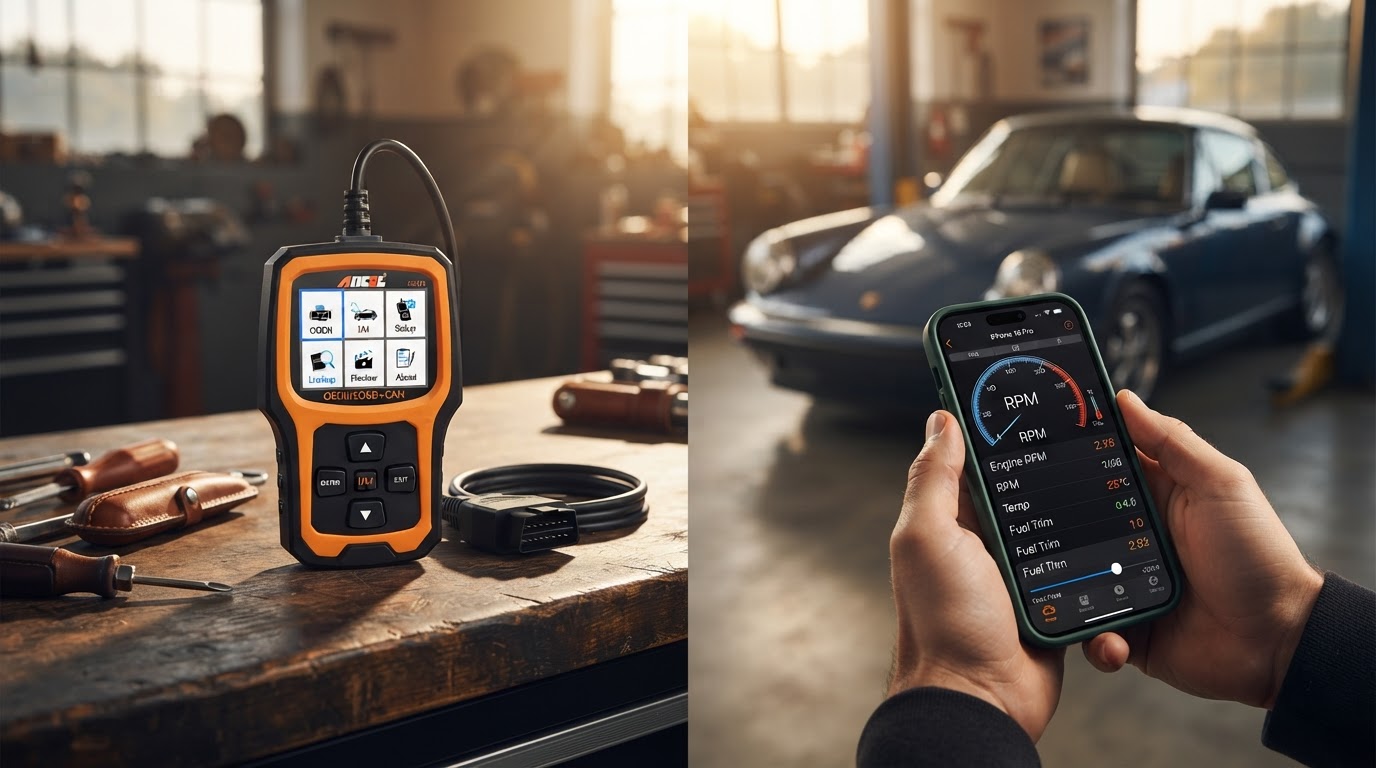
Selecting a Car Engine Scanner for iPhone Systems
August 19, 2026 — The transition toward mobile-first vehicle diagnostics has reached a saturation point, forcing a closer examination of how the Car Engine Scanner ecosystem integrates with Apple’s restrictive iOS environment. While early diagnostic tools relied on unstable Wi-Fi connections to bypass hardware limitations, modern hardware now leverages Bluetooth Low Energy (LE) to provide persistent data streams without disabling cellular data. According to documentation from Car Scanner ELM OBD2, hardware reliability on iOS is strictly tied to the adapter’s chipset, with specific recommendations for brands like Kiwi 3 and Viecar to ensure real-time sensor accuracy.
The Three Protocol Checks
Photo by Sergey Meshkov on Pexels
The conventional wisdom says that any Bluetooth adapter will work with an iPhone as long as it mentions OBD2 support, but this ignores the fundamental way iOS handles peripheral communication. Run the math: a standard Bluetooth 2.0 adapter, common in older diagnostic tools, will fail to pair with an iPhone because Apple requires specific MFi certification or the use of the Bluetooth 4.0 (LE) stack for non-certified serial communication. When evaluating a Car Engine Scanner for an iPhone, the first check is protocol verification; the device must explicitly support Bluetooth 4.0 or higher. The second check involves data throughput. Many generic adapters bottleneck at 30-40 PIDs (Parameter IDs) per second, which causes noticeable lag in live graphing. High-performance iOS setups require adapters that can handle the increased polling rates demanded by modern diagnostic software. The third check is power management. Because an iPhone’s background refresh is aggressive, the scanner hardware must support an automatic sleep mode to prevent battery drain during long periods of inactivity, as the iOS operating system will not manually manage the power state of a third-party OBD2 dongle. Here’s the part nobody talks about: the software interface is often more critical than the plastic housing of the scanner. Users must ensure their hardware is compatible with the best obd2 apps for smartphones to actually interpret the hex data into readable fault codes. Without this software layer, the hardware is essentially a paperweight.
Expert tip: Always verify that your chosen adapter uses the ELM327 v2.1 or v2.2 command set rather than the older v1.5, as the newer versions support the extended addressing required for modern CAN bus systems found in vehicles manufactured after 2020.
Navigating the setup process is distinct from the hardware purchase, often requiring specific steps for pairing bluetooth obd2 adapters within the app settings rather than the standard iOS Bluetooth menu. This differs significantly from the process used when [selecting a car engine scanner for android devices](/blog/obd2-bluetooth-adapter-for-android), where system-level pairing is more common. I’ll change my mind when Apple opens its classic Bluetooth stack to unsigned serial devices, but until then, LE-compatible hardware remains the only viable path for iPhone users. Understanding these technical hurdles is the only way to ensure a stable connection during critical diagnostic sessions.